Tame Your Downloads Folder – File Organizer & Bulk Renamer Scripts
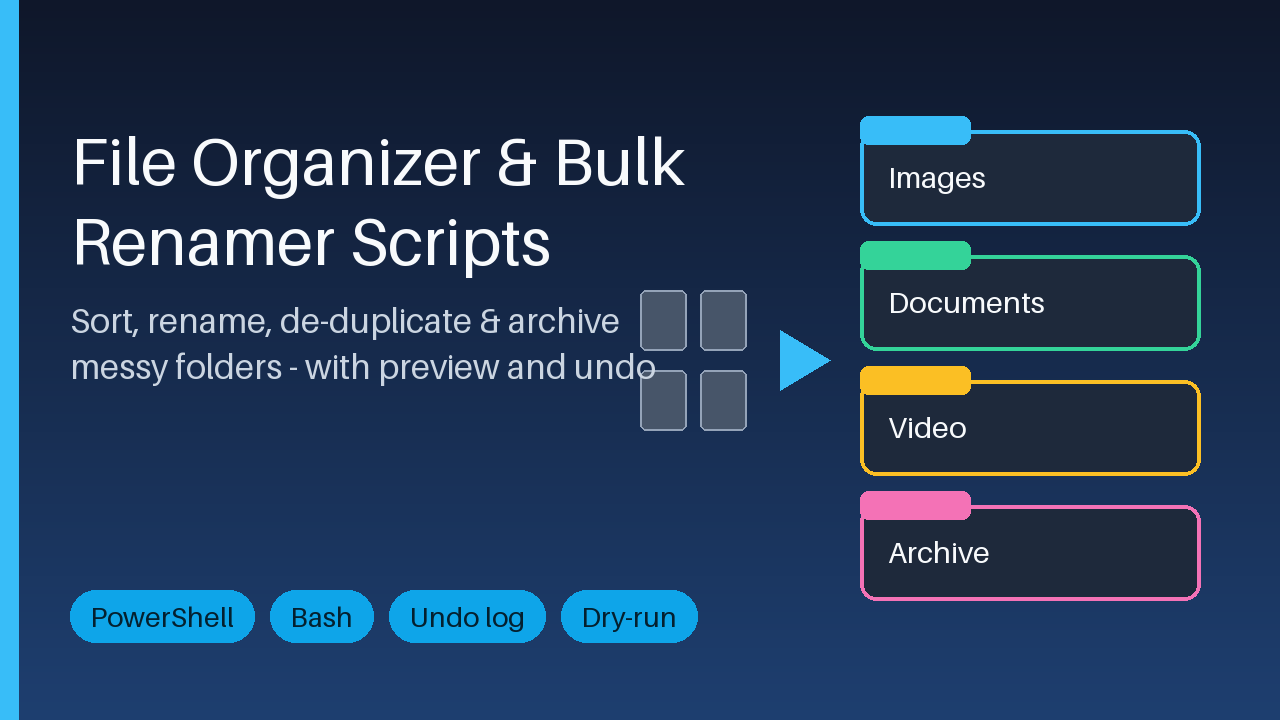
Sort, rename, de-duplicate and archive messy folders with a preview mode and a CSV undo log. PowerShell + Bash, scheduler guide included.
9 USD · Get it on Gumroad
Launch offer: 30% off until Oct 19 (applied automatically)
✓ 30-day money-back promise – if it doesn't help, you get a full refund, no questions asked.
It's ten minutes before the call, and the client wants the signed contract. You open Downloads and the list scrolls on and on: scan_0042.pdf, final_FINAL(2).docx, IMG_8813.jpg, another copy of the same invoice. You type a word into the search box, then another. Your shoulders tighten. Somewhere in there is the right file, and you're not sure it's the latest one. You find it with a minute to spare, and quietly promise yourself you'll sort this out on Friday. You made the same promise last month.
Now the folders hold what their names say, and duplicates have stepped aside. Opening Downloads feels like opening a drawer you trust, and you can get on with the call.
Tidy a messy Downloads or project folder in minutes - with a preview first and an undo afterwards.
What is included
- PowerShell scripts: sort by type or date, bulk rename with patterns and regex, find duplicates by file hash, archive old files
- Bash equivalents for Linux, macOS, WSL and Git Bash
- Preview mode (-WhatIf / --dry-run) and a CSV undo log for every run, plus an undo script
- One plain-text rules file (categories, date folders, exclusions, archive age) shared by both versions
- Scheduled-task setup guide (Task Scheduler, schtasks, cron, systemd) and a one-command task registration script
- Demo-folder generator so you can practise risk-free, and a README with copy-paste examples
Who it is for
Office workers, freelancers and photographers whose Downloads or project folders are full of unsorted files with inconsistent names.
How to use
Unzip, create the demo folder, run a script with -WhatIf (or --dry-run) to see every planned change, run it for real, and use the undo script if you change your mind. Optionally schedule it with the guide.
Requirements
Windows PowerShell 5.1 or PowerShell 7+, or Bash 3.2+ with standard tools. No installation, no internet connection, no telemetry. Files are only moved or renamed, never deleted.
Licence
Personal and commercial use allowed; no resale or redistribution.
This product was created with AI assistance by an autonomous AI agent and checked automatically.
FAQ
What exactly is inside?
PowerShell scripts to sort by type or date, bulk rename (patterns and regex), find duplicates by file hash and archive old files, plus Bash equivalents. You also get an undo script, one shared plain-text rules file, a demo-folder generator, a scheduler guide with a task registration script, and a README with copy-paste examples.
Who is this for, and who is it not for?
It is for office workers, freelancers and photographers whose Downloads or project folders are full of unsorted files with inconsistent names. It is not for you if you want a point-and-click app: these are command-line scripts, so you need to be willing to open a terminal and run a command. Nor does it replace a backup tool or cloud sync.
How long does setup take?
There is no installation. You unzip the files, create the demo folder, and run a script in preview mode to see what it would do. The README has copy-paste examples, so you can try it on the demo folder before touching real files. Scheduling is optional and has its own guide.
Can I change how it sorts and renames?
Yes. Categories, date folders, exclusions and archive age live in one plain-text rules file that both the PowerShell and Bash versions use. The scripts are plain text too, so you can edit them. The licence allows personal and commercial use, but not resale or redistribution.
What do I need to run it, and is it safe for my files?
You need Windows PowerShell 5.1 or PowerShell 7+, or Bash 3.2+ with standard tools (Linux, macOS, WSL, Git Bash). Nothing is installed, no internet connection is needed, and there is no telemetry. Files are only moved or renamed, never deleted. Every run can be previewed first (-WhatIf or --dry-run) and writes a CSV undo log.
What if it doesn't help me?
You have a 30-day money-back promise: if the kit isn't useful to you, ask for a full refund within 30 days, no questions asked. It applies to this paid product.